Tech & gadgets - under $50
Best Webcam Under $50 (October 2026)
Nobody on the call can tell 1080p from 720p. Everybody can tell whether you are lit from the front.
By Brijon M. - Published October 11, 2026
The short answer
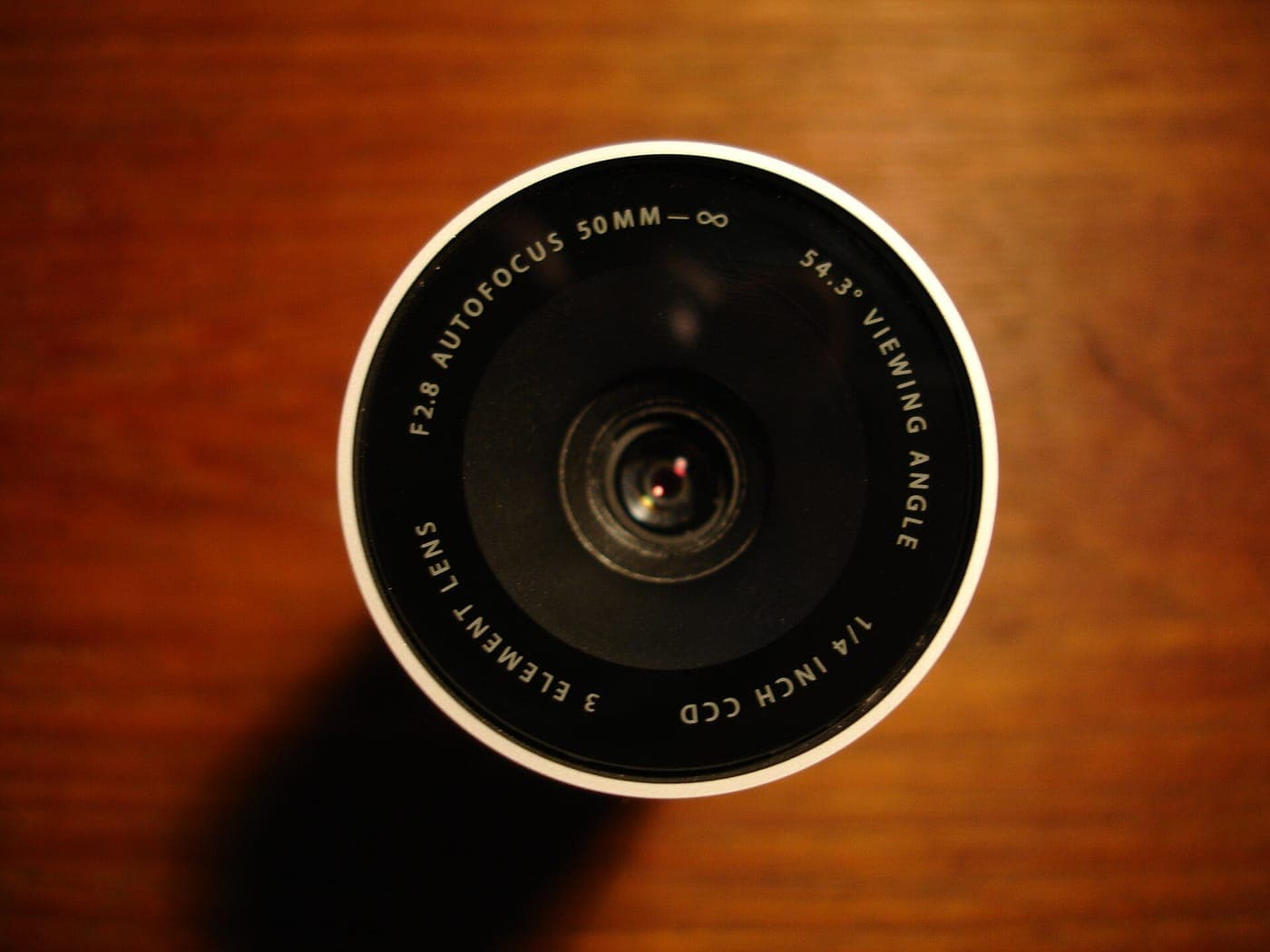
For most people the pick under $50 is a 1080p autofocus webcam in the NexiGo N930AF class, and the cheapest genuinely good option is the Logitech C270 at around $20. But the honest answer is that a $45 webcam in bad light looks worse than a $20 one in good light - sensor size at this price is tiny, and light is what a tiny sensor needs.
Disclosure: we earn commission on qualifying purchases made through the links below, at no extra cost to you. It never changes the order of our picks - here is how that works.
Why resolution is the wrong thing to shop on
A webcam listing will shout its resolution, because resolution is cheap. The sensor behind it is roughly the size of a grain of rice, and that is the specification that actually limits how good the image can be.
A small sensor collects little light. In low light it compensates by raising gain, which produces the grainy, smeared, oddly orange image everyone recognizes from video calls. No amount of resolution fixes that - it just records the noise in more detail.
This is also why 1080p over a typical video-call connection is mostly theoretical. Zoom, Teams and Google Meet all compress aggressively and frequently send your video at 720p or lower regardless of what your camera captured. The resolution you buy is rarely the resolution the other person sees.
So what should you shop on? Autofocus, because a fixed-focus lens is only sharp at one distance. Field of view, because 65-70 degrees frames one person well and 90-110 degrees fits a sofa but also fits your entire kitchen. And the microphone, because that is the part of a call people genuinely complain about.
Fix the light first - it is free
Before you spend anything, move. A webcam pointed at someone sitting with a window behind them will expose for the window and render the person as a silhouette, and this is the most common bad-video-call problem there is.
Put the light in front of you. A window you face, or a lamp beside the monitor, transforms any webcam. This single change does more than any upgrade within this price range.
Avoid overhead-only light. A ceiling fixture casts shadows down into the eye sockets. Add something at face height.
Raise the camera to eye level. A laptop camera on a desk shoots up your nose. A separate webcam on top of a monitor is already better, and a couple of books under the laptop is free.
Once the light is handled, the camera matters - and that is what the picks below are for.
- Autofocus over higher resolution, every time.
- 65-78 degree field of view for one person; 90+ only if you need to fit several.
- A privacy shutter - now standard, and genuinely useful.
- Light from the front beats every spec on this page.
Quick picks
The short version. Tap any row to jump to the full write-up, or go straight to Amazon to check the current price.
| # | Product | Best for | Price |
|---|---|---|---|
| 1 | NexiGo N930AF 1080p with real autofocus and a privacy cover, comfortably under $50. | Best overall | |
| 2 | Logitech C270 720p, around $20, and it has quietly outlasted a decade of fancier competitors. | Best cheap pick | |
| 3 | NexiGo N60 1080p and a 90-degree view for around $30 - the pick if more than one person is on the call. | Best wide-angle | |
| 4 | A clip-on light plus the webcam you already own A $25 light does more for your picture than any $50 camera will. | The upgrade that actually works | |
| 5 | Your phone as a webcam The camera in your pocket has a far bigger sensor than anything here. | Best image quality for free |
We do not print prices on this site. Every button opens the live Amazon listing so you see the real price at the moment you click. See our affiliate disclosure.
1. Best overall
NexiGo N930AF
1080p with real autofocus and a privacy cover, comfortably under $50.
- 1080p at 30fps
- Autofocus lens
- Dual microphones
- Privacy shutter included
Autofocus is the feature that justifies spending more than $20, and the N930AF is the cheapest reliable way to get it. A fixed-focus lens is set for one distance; move closer to read something on screen or lean back in your chair and you drift out of sharpness. Autofocus tracks you.
The dual-microphone array is better than the single mic on entry-level cameras, though still not good - see the tradeoff below.
The included privacy shutter is a physical slider rather than a clip-on cap, so it does not get lost in a drawer.
What you give up
The microphones are adequate rather than good, and the plastic mount is light enough to shift if you knock the monitor. Low-light performance is no better than any other camera at this price.
2. Best cheap pick
Logitech C270
720p, around $20, and it has quietly outlasted a decade of fancier competitors.
- 720p at 30fps
- Fixed focus, 55-degree view
- Built-in noise-reducing mic
- Plug and play on every OS
The C270 has been on sale since before most of its competitors existed, and the reason is that it does the basic job without drama. It is recognized instantly by every operating system and every conferencing app, the exposure logic is sane, and nothing about it fails.
720p sounds dated, and in practice it is very close to what a compressed video call transmits anyway. On a call, it looks like a webcam. So does the $45 one.
At around $20 this is also the right answer for a second machine, a child's school laptop, or a spare you keep in a drawer.
What you give up
Fixed focus, so it is sharp at roughly arm's length and softer elsewhere, and the narrow 55-degree view frames one head tightly with little room to move. No privacy shutter.
3. Best wide-angle
NexiGo N60
1080p and a 90-degree view for around $30 - the pick if more than one person is on the call.
- 1080p at 30fps
- 90-degree field of view
- Privacy cover
- Fixed focus
The wider lens is the point. A 90-degree view fits two or three people side by side, which a 55-degree camera cannot do, and it is the right choice for a shared desk, a family call or a small meeting room.
It is also the better framing if you move around while you talk, or present standing up.
Note that wide angles cut both ways: a 90-degree lens also captures whatever is behind you on both sides. Tidy accordingly or use a background blur.
What you give up
Fixed focus rather than autofocus, and a wide lens on a small sensor shows more barrel distortion at the edges - faces near the frame edge look slightly stretched.
4. The upgrade that actually works
A clip-on light plus the webcam you already own
A $25 light does more for your picture than any $50 camera will.
- Clips to monitor or laptop lid
- USB powered
- Adjustable brightness and warmth
- Under $30
We include this because it is the honest recommendation. If you already own any webcam from the last ten years, the limiting factor on your image is almost certainly light rather than optics, and a small front-facing LED panel fixes it immediately and permanently.
The effect is not subtle. Adding even a modest light in front of the face lets the camera drop its gain, and dropping gain removes the grain, the color smear and the soft focus all at once.
Get one with adjustable color temperature so you can match the room rather than turning yourself blue.
If you then still want a new camera, buy one - but do this first and you may not need to.
What you give up
It is another thing clipped to your monitor and another USB cable on the desk, and a cheap light with poor color rendering can make skin tones look flat. It also does nothing for a genuinely broken camera.
5. Best image quality for free
Your phone as a webcam
The camera in your pocket has a far bigger sensor than anything here.
- Uses your existing phone camera
- Native support on current macOS and Windows
- Free or low-cost apps
- Needs a mount
A modern phone's main camera has a sensor several times the area of a $50 webcam's, far better processing, and optical stabilisation. Used as a webcam it comfortably out-performs anything in this price bracket, and current versions of macOS, Windows and Android support it without extra software.
This is the right answer if image quality genuinely matters - a job interview, a recorded presentation, a piece of video you will publish.
You will need a small clamp mount to hold it above the monitor, which costs a few dollars.
It is the wrong answer for all-day calls, because it occupies your phone and warms it up.
What you give up
Ties up your phone, needs charging while in use, and the setup is a two-minute job rather than something that is simply always there. A dedicated webcam wins on convenience every time.
When 720p is genuinely enough
Most of the time, is the short answer.
Video-conferencing platforms allocate bandwidth per participant, and in a call with more than a handful of people your stream is compressed to a small tile regardless of what you sent. The difference between a 720p source and a 1080p source at that tile size is invisible.
Buy 1080p if you record video, present full-screen to a large audience, or appear in one-to-one calls where your window fills the other person's monitor.
720p is fine if your calls are standard meetings, standups, classes or catch-ups with family. Spend the difference on light.
The microphone question
Every webcam under $50 has a microphone and all of them are mediocre, because the microphone sits a meter away from your mouth next to a monitor that hums.
People tolerate bad video. They do not tolerate bad audio - it is the thing that makes a call genuinely tiring to be on.
If you are on calls daily, the best thirty dollars in this whole category is spent on wired earbuds with an inline mic or a cheap headset, not on the camera. The mic sits close to your mouth, picks up far less room noise, and solves echo at the same time.
For a wireless option, the pairs in the best wireless earbuds under $50 all take calls, and the trade-off section there covers which handle wind and room noise best.
How we picked
We limited the list to webcams currently sold in the US under $50, then ranked on the specifications that matter at this sensor size - autofocus, field of view, exposure behavior and whether a privacy shutter is included - rather than on headline resolution.
Two of the five picks are deliberately not webcams, because within this budget a light or an existing phone genuinely produces a better call than a new camera does. We would rather say that than sell you a marginal upgrade.
We have not lab-tested these cameras and do not claim to. The specifications come from the manufacturers and from published independent reviews, listed under sources. More on our approach at how we pick.
The companion piece, the cheap webcam buying guide, goes deeper on the spec-sheet tricks used in this category.
How we picked
Every pick on this page is a real, currently-sold product that we could find at or under $50 at the time of the last update. Rank order is set before any link is attached.
We are research-led, not lab-led. We do not run a test lab and we do not claim to have personally used every product on this site. Picks come from manufacturer specifications, owner-reported reliability and failure patterns, expert-publication consensus, and real availability at the stated price ceiling. Read the full method.
Common questions
+Is a $50 webcam better than my laptop camera?
Usually yes, but less than you would hope. The win is mostly position - a webcam sits at eye level on top of a monitor rather than shooting upward from a desk - plus autofocus on better models. Sensor quality is broadly similar, so in poor light both look poor.
+Do I need 1080p for Zoom?
No. Zoom and most conferencing platforms compress participant video heavily and often transmit well below 1080p, especially in group calls. 720p from a well-lit camera looks better than 1080p from a badly-lit one.
+What field of view should a webcam have?
Around 65-78 degrees for one person at a desk - it frames a head and shoulders with a little room. Go to 90 degrees or wider only if you need two or three people in frame, and accept more edge distortion and more visible room behind you.
+Why does my webcam look grainy?
Not enough light. A tiny sensor raises its gain to compensate, and gain is noise. Put a light source in front of your face rather than behind you and the grain largely disappears without changing camera.
+Is autofocus worth paying for on a webcam?
Yes, it is the one feature genuinely worth the step up from $20 to $30. Fixed-focus lenses are sharp only at a set distance, so leaning in or sitting back softens the image. Autofocus tracks you through normal movement.
Sources
Read next
Tech & gadgets
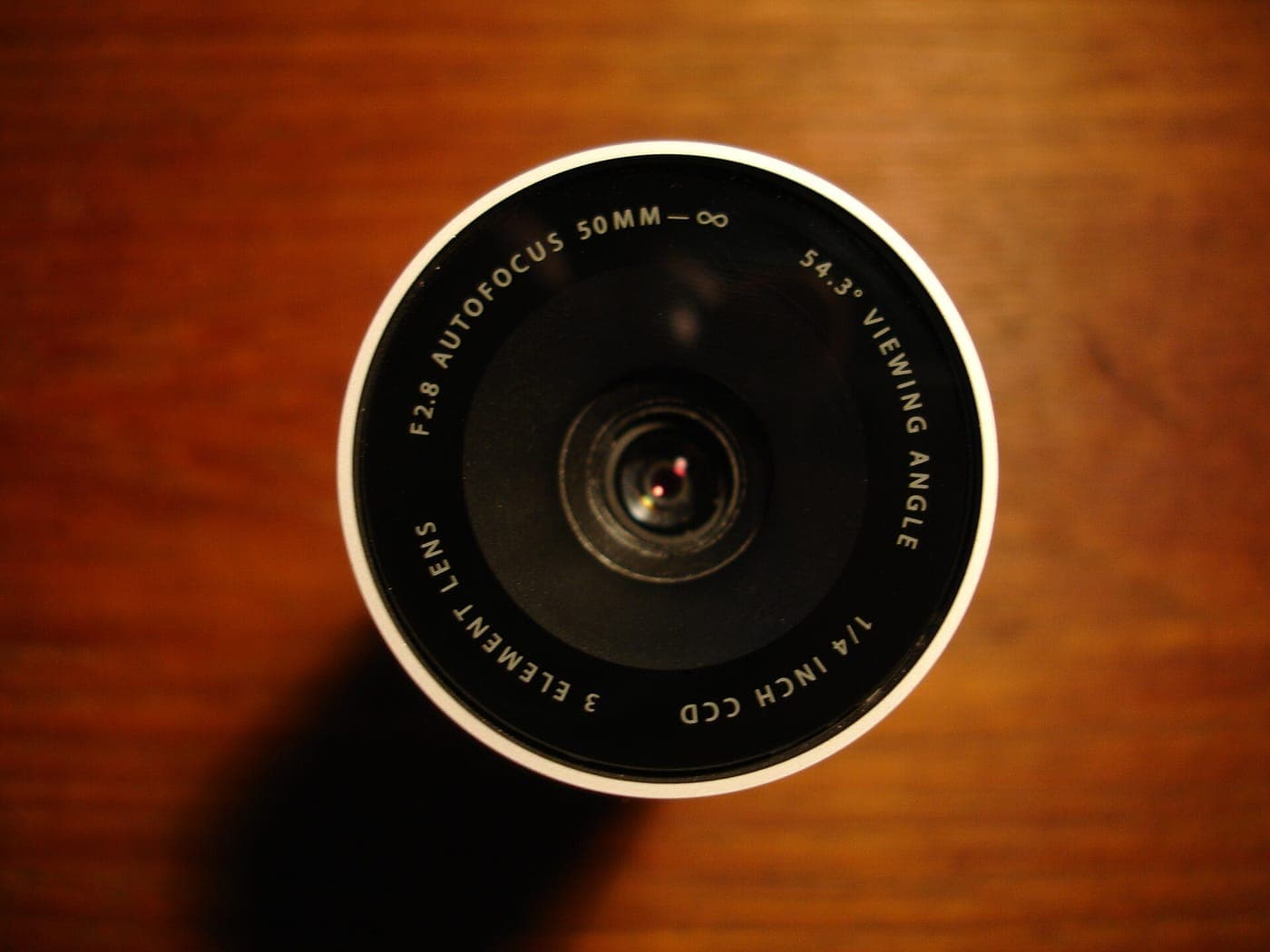
Cheap Webcam Buying Guide
Why lighting beats resolution, what a cheap webcam should have, and the free fix most people skip.
Best earbuds under $50
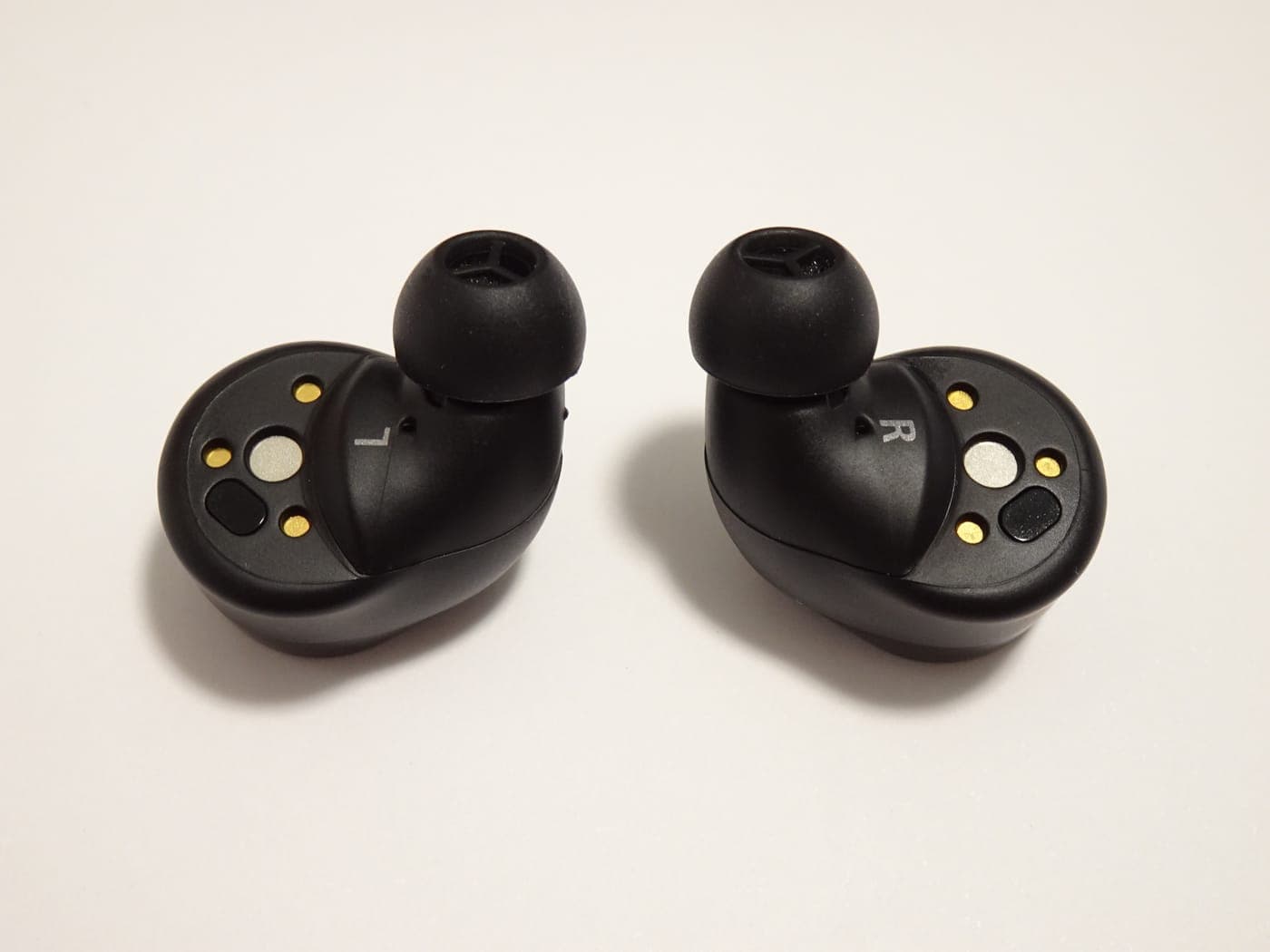
Best Wireless Earbuds Under $50 (October 2026)
The $50 floor is better than it was. Five picks, and a straight answer on what the extra $50 actually buys.
Best monitor under $200
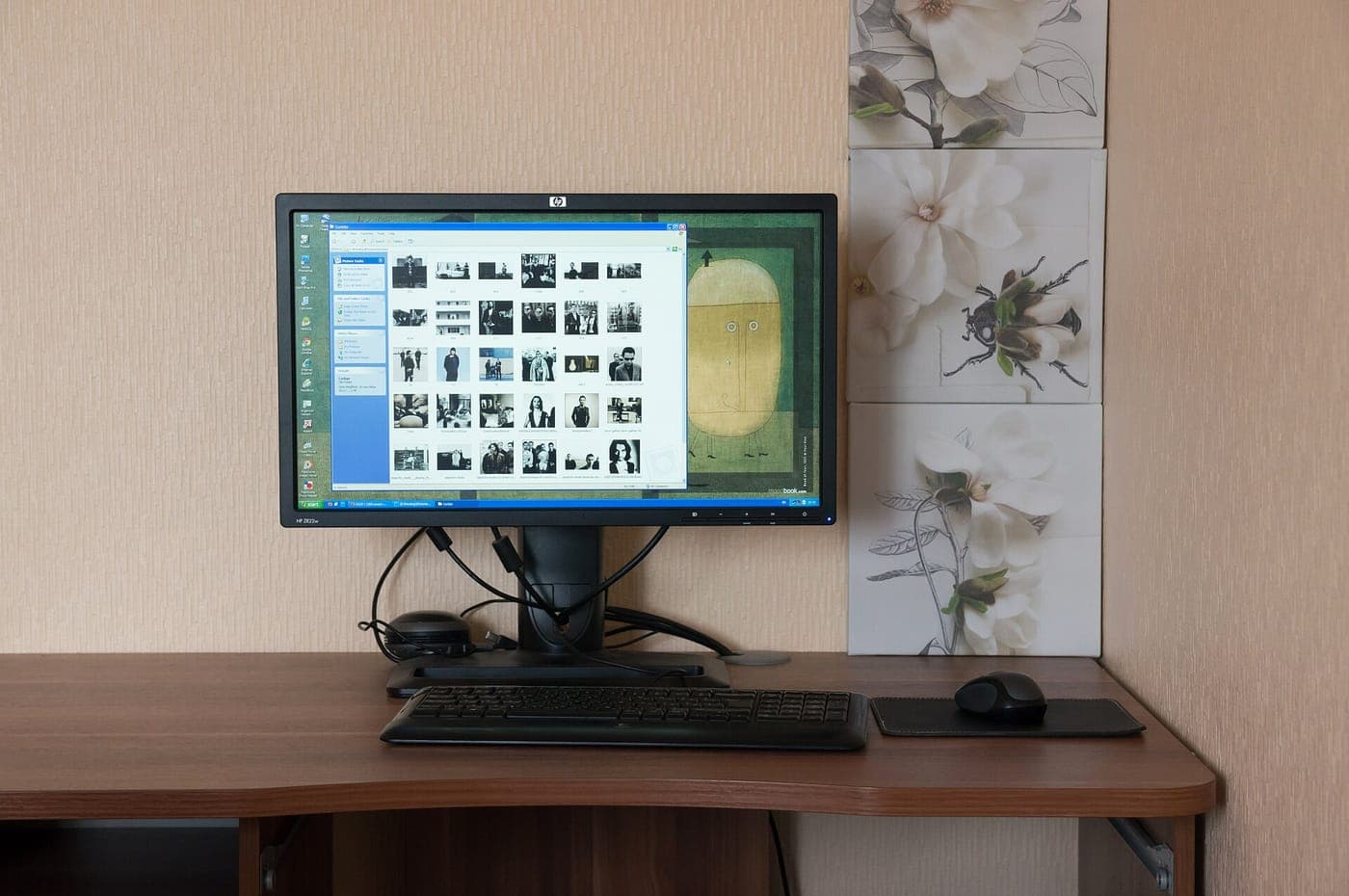
Best Monitor Under $200 (October 2026)
27-inch 1440p IPS is the sweet spot at $200. Five picks, and the marketing spec you should ignore entirely.

Shop by price
Under $50
The impulse tier. Some categories are genuinely solved at $50; others are a false economy, and we say which.

Category
Tech & Gadgets
Earbuds, laptops, monitors, cameras and the rest - where the budget tier is genuinely close to the flagship.
Think we got a pick wrong, or spotted one that is out of stock or over its ceiling? Tell us - corrections go to the front of the queue.