Tech & gadgets
Cheap Smart TV Buying Guide: What Actually Matters Under $500
Budget televisions have quietly become good. The hard part is no longer finding a decent picture - it is working out which of the fourteen acronyms on the box mean anything.
By Brijon M. - Published October 5, 2026
The short answer
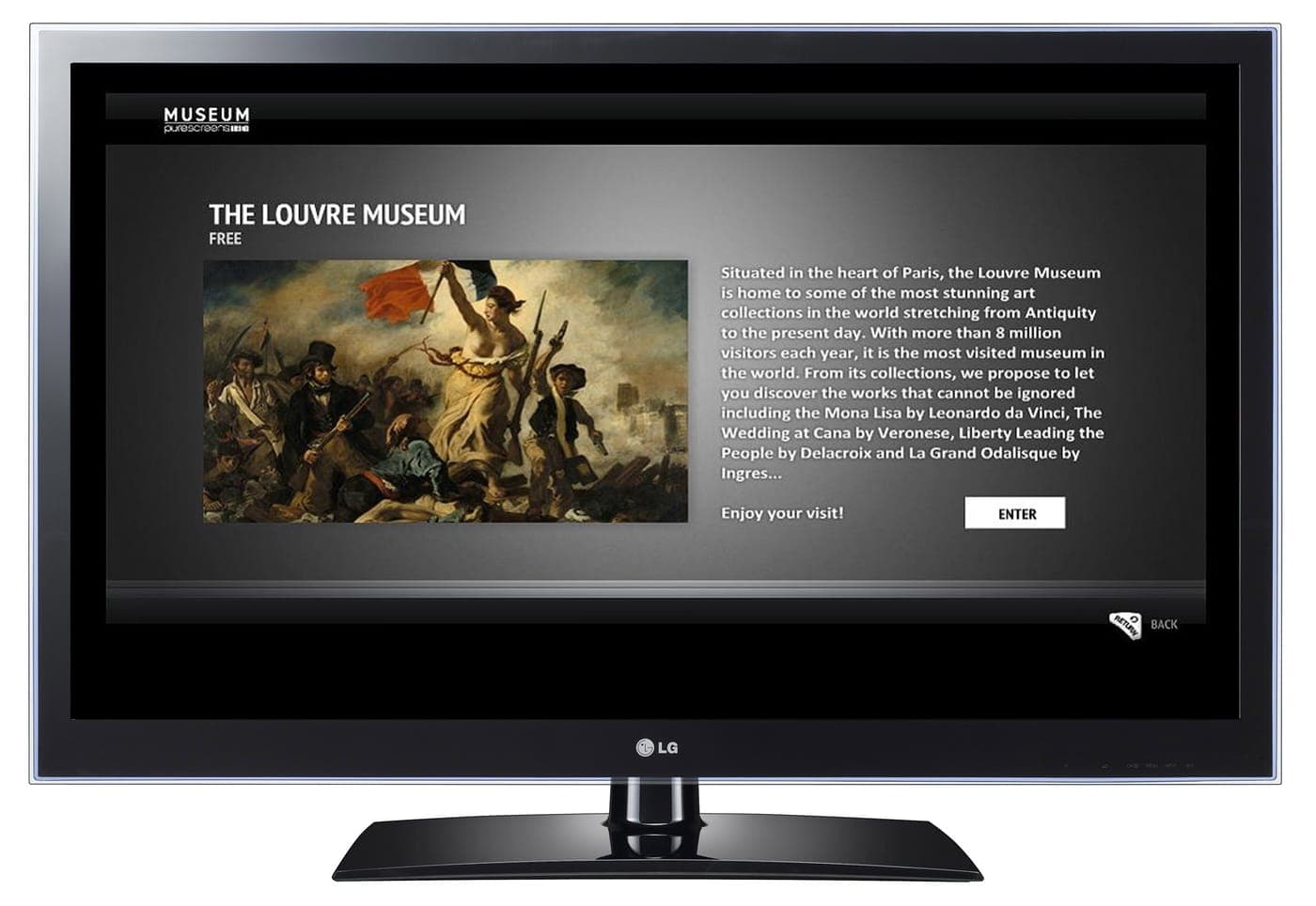
Under $500 you should buy a 4K QLED set from TCL, Hisense or Roku and spend your attention on three specs: a VA-type panel for contrast, local dimming if you can get it, and a smart platform you can live with. Skip the quoted contrast ratios, the motion-smoothing numbers and anything described as HDR10+ Adaptive.
What a $400 television gets right in 2026
The budget TV market has improved more than almost any other category this site covers. For under $500 you can now reasonably expect a 4K panel with quantum-dot (QLED) color, HDR support including Dolby Vision on most models, a competent smart platform with every major streaming app, and low enough input lag for console gaming.
Ten years ago that was a flagship specification. The reason it is now a budget one is that panel manufacturing consolidated: the same handful of factories supply the whole market, so a cheap set and an expensive set often use closely related panels.
What you give up is mostly peak brightness, backlight control and build quality. That is a real difference in a bright room and in HDR films, and it is where the extra money goes on a premium set. It is not a difference in resolution, color gamut or app support, which is where most people assume it lies.
The three specs worth paying for
Panel type. This is the one spec with a large, visible effect and it is rarely advertised clearly. A VA panel has deep blacks and poor viewing angles; an IPS panel has shallow, gray blacks and wide viewing angles. For a dark room and a sofa in front of the TV, VA is dramatically better. For a wide room where people sit off to the sides, IPS is the compromise. Review sites publish panel type when manufacturers do not - check before you buy.
Local dimming. The backlight divided into zones that can dim independently. Even a crude implementation with a dozen zones is a step change in contrast over a single always-on backlight, and mini-LED sets with far more zones have recently fallen into this price band. If one model has local dimming and another does not, that is usually the tiebreaker.
Refresh rate, but only if you game. A true 120Hz panel matters for a PS5 or Xbox Series X and is almost absent under $500. What you should insist on instead is ALLM (auto low latency mode) and an input lag figure under about 20ms, both of which are common at this price.
- VA panel for a dark room and head-on seating; IPS only if people sit wide.
- Local dimming or mini-LED is the biggest single picture upgrade available here.
- Native 60Hz is fine unless you own a current-generation console.
The specs that are marketing
Quoted contrast ratios. "Mega Dynamic Contrast 5,000,000:1" is not a measurement of anything. Manufacturers compute it however they like. Ignore it entirely and rely on panel type and local dimming instead.
Motion interpolation branding. Every manufacturer has a name for frame interpolation - Motion Rate, Clear Motion Index, TruMotion - and the number attached is not a refresh rate. A "120 Motion Rate" set is usually a 60Hz panel. This is the single most common way budget TV listings mislead.
Upscaling engines and AI picture modes. Real, but small, and mostly indistinguishable between sets at this price. Nobody has ever been happy with a television because of its upscaler.
Built-in sound. Advertised with wattage figures and Dolby branding, and uniformly thin because the cabinet is too shallow to move air. Budget for a soundbar under $200 from the start rather than being disappointed.
Quick picks
The short version. Tap any row to jump to the full write-up, or go straight to Amazon to check the current price.
| # | Product | Best for | Price |
|---|---|---|---|
| 1 | TCL QM6K QLED color with mini-LED backlight control at a price that used to buy neither. | Best overall under $500 | |
| 2 | Hisense U6 series Mini-LED backlight and a VA panel - the right combination for film watching. | Best contrast for a dark room | |
| 3 | Hisense QD7 series Quantum-dot color at a price closer to a basic LED set. | Best cheap 4K QLED | |
| 4 | Roku Plus Series QLED The cleanest interface on any television, attached to a decent QLED panel. | Best smart platform |
We do not print prices on this site. Every button opens the live Amazon listing so you see the real price at the moment you click. See our affiliate disclosure.
1. Best overall under $500
TCL QM6K
QLED color with mini-LED backlight control at a price that used to buy neither.
- 4K QLED
- Mini-LED local dimming
- Google TV
- Dolby Vision
TCL's mid-range line is the reason this price band stopped being a compromise. The QM6K pairs quantum-dot color with a mini-LED backlight, which means many dimming zones rather than one, and that shows up immediately in dark scenes and HDR highlights.
Google TV is the platform, which is comprehensive if slightly busy, and the set includes the gaming features that matter at this price - ALLM and low input lag.
The 55-inch size is the sweet spot for value; the larger panels climb past this page's ceiling.
What you give up
Peak brightness is still well short of a premium set, so HDR is more a widening of color than a punch of light. The platform shows sponsored content on the home screen.
2. Best contrast for a dark room
Hisense U6 series
Mini-LED backlight and a VA panel - the right combination for film watching.
- 4K QLED
- Mini-LED local dimming
- VA panel
- Dolby Vision and Atmos
Hisense's U6 has been the enthusiast recommendation in this price band for several generations, and the reason is the panel and backlight pairing: a VA panel for native contrast, plus mini-LED zones to deepen it further.
In a room you can darken, that produces the most film-like picture available for the money - black bars on a widescreen film actually look black rather than dark gray.
It supports both Dolby Vision and Dolby Atmos passthrough, so it plays nicely with a soundbar.
What you give up
VA panels wash out badly when viewed from an angle, so a wide sofa arrangement is a poor fit. Blooming around bright objects on dark backgrounds is visible if you look for it.
3. Best cheap 4K QLED
Hisense QD7 series
Quantum-dot color at a price closer to a basic LED set.
- 4K QLED
- Dolby Vision
- Smart platform built in
- 50-inch and up
The QD7 is the honest budget option: real quantum-dot color, 4K, Dolby Vision, and a price well under this page's ceiling in the smaller sizes. What it does not have is sophisticated backlight control.
For a bedroom, a kitchen, a spare room or a first apartment, the missing local dimming matters far less than the money saved - and the color is a genuine step up from the cheapest LED sets, which look dull by comparison.
This is the set to buy when the TV is a secondary screen rather than the main event.
What you give up
No local dimming, so dark scenes look flat and letterbox bars are gray. Brightness is modest, which limits it in a sunny room.
4. Best smart platform
Roku Plus Series QLED
The cleanest interface on any television, attached to a decent QLED panel.
- 4K QLED
- Roku OS
- Low input lag
- Voice remote
If the thing that annoys you about modern televisions is the software - slow menus, sponsored rows, apps that stop being updated - this is the answer. Roku OS is the simplest and best-maintained smart TV platform, and it stays fast for years rather than months.
The panel underneath is a competent QLED with wide color and low input lag, so you are not trading picture for interface.
For a household where several people of different ages use the same TV, the interface is worth more than a brightness advantage.
What you give up
Picture processing is less sophisticated than TCL's or Hisense's at the same price, and backlight control is basic. Roku's advertising appears on the home screen.
Size before specs
If you are choosing between a larger set with ordinary specs and a smaller set with better ones, the larger screen almost always makes people happier. Screen size is the one television variable that is obvious from the sofa; local dimming is something you notice when you go looking for it.
A rough guide that holds up well: for 4K content, a comfortable viewing distance is about 1 to 1.5 times the screen's diagonal. At eight feet from the sofa, that is a 65-inch set. Most people buy smaller than that and then say they wish they had gone bigger.
Measure the wall or stand first, including the feet - budget sets often use wide-set feet rather than a central pedestal, and that catches people out on a narrow unit.
What to do about the sound
Plan for this before you buy, because it is the one guaranteed weakness of every cheap television and the most common complaint afterwards. The cabinet is too thin for speakers that can move air, so the drivers fire downwards or backwards and dialogue gets buried.
The fix is a soundbar, and at this end of the market a $150 bar with a separate subwoofer makes a larger difference to how good a film feels than $150 more spent on the television would. Our best soundbar under $200 page covers the picks and the eARC setup.
If a soundbar is not an option, turn on the TV's dialogue or speech mode and turn off every other audio enhancement. That is the best the built-in speakers will do.
Common questions
+Is a cheap 4K TV actually 4K?
Yes - the panel resolution is genuinely 3840x2160 and that is not where cheap sets cut corners. What differs is brightness, backlight control and processing. Resolution has been commoditized; contrast has not.
+What is the difference between QLED and OLED?
QLED is a backlit LCD with a quantum-dot layer for better color, and it is what you get under $500. OLED has self-lighting pixels and therefore perfect blacks, and it starts well above this price. QLED gets brighter; OLED gets darker. For a bright room, QLED is arguably the better technology.
+Does TV brand matter at this price?
Less than it used to, but yes. TCL and Hisense currently offer the most picture quality per dollar, and Roku offers the best software. The brands to be careful with are the unbranded and house-label sets, where panel type varies between production runs and software support ends quickly.
+Should I buy last year's model?
Usually, yes. Television model years bring small changes, and last year's mid-range set is often better than this year's entry set at the same price. Check that the smart platform is still receiving updates, and avoid anything more than about three years old for app-support reasons.
+Do I need 120Hz for gaming?
Only if you have a PS5, Xbox Series X or a gaming PC and play competitive titles. Everyone else is better served by ALLM and low input lag, which budget sets do have. A genuine 120Hz panel is rare under $500, and a "120 Motion Rate" badge is not one.
Sources
Read next
Best soundbar under $200
Best Soundbar Under $200 (October 2026)
Four soundbars under $200, ranked on the only two things that matter at this price: a real subwoofer and clear dialogue.
Best projector under $200
Best Projector Under $200 (October 2026)
Four cheap projectors that are honest about brightness, plus the unit conversion that stops you overpaying for a dim picture.
Best monitor under $200
Best Monitor Under $200 (October 2026)
27-inch 1440p IPS is the sweet spot at $200. Five picks, and the marketing spec you should ignore entirely.
Shop by price
Under $500
The serious end of budget. Laptops, mattresses, espresso machines and automatic watches.

Category
Tech & Gadgets
Earbuds, laptops, monitors, cameras and the rest - where the budget tier is genuinely close to the flagship.
Think we got a pick wrong, or spotted one that is out of stock or over its ceiling? Tell us - corrections go to the front of the queue.