Tech & gadgets - under $100
Best Security Camera Under $100 (October 2026)
The camera is rarely the expensive part. The subscription behind it is, and it is the single thing worth shopping on in this category.
By Brijon M. - Published October 2, 2026

The short answer
Buy a camera that records to a local microSD card or a local hub, not one that requires cloud storage. A $35 camera with a $120-a-year subscription costs more in eighteen months than a $90 camera that records locally and costs nothing to run.
Disclosure: we earn commission on qualifying purchases made through the links below, at no extra cost to you. It never changes the order of our picks - here is how that works.
The running cost is the real price
Home security cameras are sold the way printers are: the hardware is priced to move and the money is made afterwards. A camera at $30 that requires a cloud plan at $10 a month to save any recordings costs $150 in its first year. A camera at $85 that saves to a microSD card in its base costs $85, full stop.
That is the single most consequential decision in this category and most roundups skip it entirely, because the affiliate commission sits on the hardware.
There are three storage models. Local microSD stores clips in the camera, costs nothing ongoing, and is lost if the camera is stolen. Local hub or NVR stores centrally, is more robust and costs more up front. Cloud only is the model to avoid unless you specifically want off-site storage and have budgeted for it permanently.
What matters after storage
Night vision type. Infrared night vision produces a black-and-white image and is standard. Color night vision uses a spotlight or a larger sensor and is dramatically more useful for identifying a person or a vehicle, because clothing color is often the only usable detail.
Local-only operation. Check whether the camera still records when your internet is down. Some cloud-dependent cameras simply stop, which is exactly the wrong behavior if someone has cut a line.
Power. A wired camera never needs charging and is limited by cable routing. A battery camera goes anywhere and needs charging every one to three months, which people underestimate until they are on a ladder in February.
Privacy. An indoor camera is a microphone and a lens inside your home connected to a company's servers. Prefer brands with published security practices and two-factor authentication, and treat a camera with no documented security posture as a risk rather than a bargain.
Quick picks
The short version. Tap any row to jump to the full write-up, or go straight to Amazon to check the current price.
| # | Product | Best for | Price |
|---|---|---|---|
| 1 | TP-Link Tapo C-series (wired) Local microSD recording, color night vision, no subscription required. | Best overall | |
| 2 | Eufy Indoor Cam Local storage first, with on-device person detection. | Best for privacy-conscious buyers | |
| 3 | Wyze Cam The cheapest camera here that still records locally. | Best value | |
| 4 | Tapo battery camera + hub Goes anywhere, stores to a hub, and still needs no subscription. | Best wire-free option | |
| 5 | Reolink E-series One camera that covers a whole room or driveway. | Best for pan and tilt coverage |
We do not print prices on this site. Every button opens the live Amazon listing so you see the real price at the moment you click. See our affiliate disclosure.
1. Best overall
TP-Link Tapo C-series (wired)
Local microSD recording, color night vision, no subscription required.
- 2K recording
- microSD slot
- Color night vision
- Works without cloud
TP-Link's Tapo range is the clearest answer to the subscription problem: the cameras take a microSD card, record continuously or on motion to it, and work entirely without a paid plan. TP-Link also has an established security practice and a real company behind it, which matters for a device inside your home.
The 2K sensor and color night vision are a genuine step up from the 1080p infrared that dominates this price, and color at night is the difference between knowing somebody was there and knowing what they were wearing.
Setup is straightforward and the app does not nag constantly about upgrading.
What you give up
Wired power means cable routing, and the microSD card is lost with the camera if it is stolen - a risk the cloud model exists to solve.
2. Best for privacy-conscious buyers
Eufy Indoor Cam
Local storage first, with on-device person detection.
- Local microSD
- On-device AI detection
- 2K
- No mandatory subscription
Eufy built its reputation on local-first storage and on-device processing - the person and pet detection runs in the camera rather than in a data center, which means fewer false alerts and less footage leaving your house.
The detection quality is the practical benefit. A camera that alerts on every passing car trains you to ignore it; one that distinguishes a person from a shadow is one you keep paying attention to.
Eufy has had publicized security incidents in the past and has since published more about its practices. We would weigh that, rather than ignore it, and it is a reason to enable two-factor authentication on any account.
What you give up
Past security disclosures are a legitimate consideration for a camera inside a home. Some advanced features still push toward a subscription.
3. Best value
Wyze Cam
The cheapest camera here that still records locally.
- microSD slot
- Color night vision on recent models
- Very low price
- Optional cloud
Wyze made this category cheap, and the current models remain the lowest-cost route to a camera that records to a local card rather than demanding a plan.
Image quality and detection are a step behind the Tapo and Eufy, and the app pushes its subscription harder. The core function - watch a room, record to a card, get an alert - works.
For a garage, a shed or a second room where you want coverage rather than evidence-grade footage, it is the sensible spend.
What you give up
Wyze has had past security disclosures and the app actively upsells. Detection produces more false alerts than the pricier picks.
4. Best wire-free option
Tapo battery camera + hub
Goes anywhere, stores to a hub, and still needs no subscription.
- Battery powered
- Hub with local storage
- Magnetic mount
- Weather rated
Battery cameras solve the problem that stops most people installing a camera at all: there is no power outlet where the camera needs to go. Paired with a hub that holds the storage, you keep the no-subscription arrangement while gaining placement freedom.
The hub arrangement is also more secure than in-camera storage, because stealing the camera does not take the footage with it.
Expect to recharge every few months depending on how much motion the camera sees - a camera facing a busy street will need charging far more often than one facing a side gate.
What you give up
Battery life collapses in high-traffic locations, and the hub is an extra box that needs power and network. Recording is event-based rather than continuous.
5. Best for pan and tilt coverage
Reolink E-series
One camera that covers a whole room or driveway.
- Pan and tilt
- microSD
- Optional PoE on some models
- No subscription needed
A pan-and-tilt camera can cover a far larger area than a fixed one, which makes it efficient for a single camera watching a whole open-plan room or a driveway and its approach.
Reolink's strength is that it treats local storage and local network access as the default rather than a grudging option, and several models support Power over Ethernet, which delivers power and data over one cable - the most reliable installation there is.
The tradeoff with pan and tilt is that the camera is only pointing one way at a time, so motion outside the current view is missed until it swings round.
What you give up
A moving camera only watches where it is currently pointed, and the motor is an extra mechanical part that can fail. The app is functional rather than polished.
How much does a cheap security camera really cost?
Over three years, a $30 camera on a $10 monthly plan costs $390. A $90 camera recording to a $15 memory card costs $105. That is the entire argument, and it is why every pick on this page records locally.
The exception is if you specifically want off-site storage so footage survives the camera being stolen or destroyed. That is a real benefit and the subscription buys it honestly - just make the decision deliberately rather than discovering it after purchase. We walk through the full arithmetic in how much a cheap security camera actually costs.
When to spend more
A wired PoE system with an NVR is the genuine upgrade, and it starts a few hundred dollars above this tier. One cable per camera carries power and data, nothing runs on batteries, nothing depends on Wi-Fi, and everything records continuously to a box in a cupboard. For a house you own and intend to stay in, it is a better purchase than six battery cameras.
Better low-light sensors are the other. Identifying a face at night is genuinely hard, and larger sensors with wider apertures do it better than any amount of software.
If the camera is for a car rather than a house, dash cams under $100 is the right page.
How we picked
Every pick on this page is a real, currently-sold product that we could find at or under $100 at the time of the last update. Rank order is set before any link is attached.
We are research-led, not lab-led. We do not run a test lab and we do not claim to have personally used every product on this site. Picks come from manufacturer specifications, owner-reported reliability and failure patterns, expert-publication consensus, and real availability at the stated price ceiling. Read the full method.
Common questions
+Do security cameras need a subscription?
Not if you choose one with a microSD slot or a local hub. Subscriptions buy cloud storage, which protects footage if the camera is stolen, plus advanced detection. Many cameras are deliberately priced low because the subscription is where the money is, so check before buying.
+How much is a cheap security camera, really?
The hardware starts around $25 and the three-year cost ranges from about $100 for a local-storage camera to nearly $400 for a cheap camera on a cloud plan. The running cost, not the sticker price, is what separates them.
+Will a budget camera keep recording if the internet goes down?
Local-storage cameras generally do; cloud-only cameras generally do not. This is worth testing on day one by unplugging your router, because it is exactly the scenario where you most want the recording.
+Are cheap security cameras a privacy risk?
Any internet-connected camera in your home is a risk you are choosing to take. Reduce it by preferring brands that publish their security practices, enabling two-factor authentication, keeping firmware updated, and putting cameras on a separate guest network where your router supports it.
+Is color night vision worth paying for?
Yes, more than extra resolution. Infrared night vision gives you a gray silhouette; color night vision gives you clothing and vehicle color, which is usually the detail that actually identifies someone.
Sources
Read next

Tech & gadgets
How Much Is a Cheap Security Camera?
The sticker price is the smallest number. A worked three-year cost comparison, and how to avoid the fees entirely.
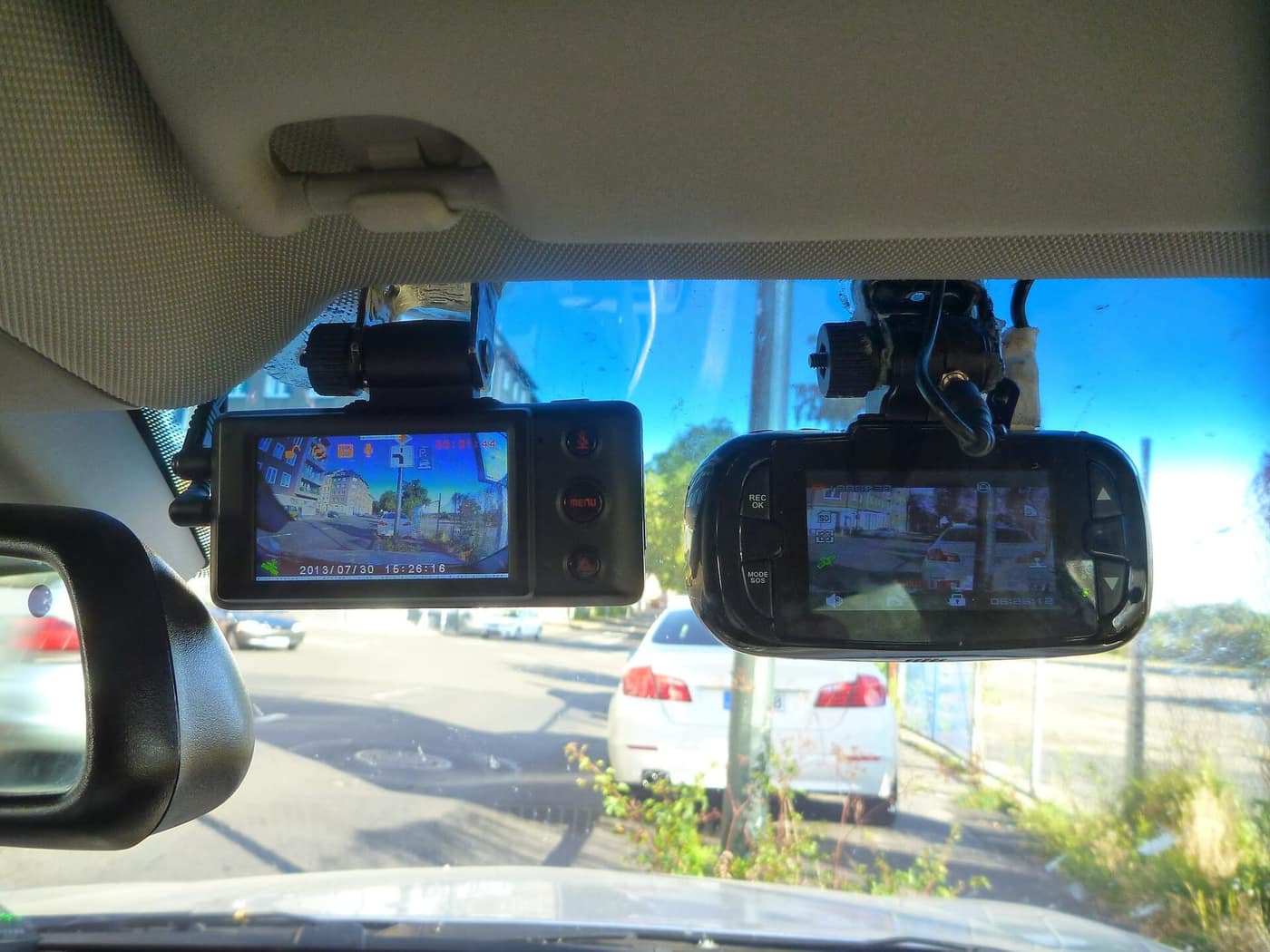
Best dash cam under $100
Best Dash Cam Under $100 (October 2026)
Resolution on the box is not what makes a plate readable. Five dash cams under $100 judged on sensor and night footage.
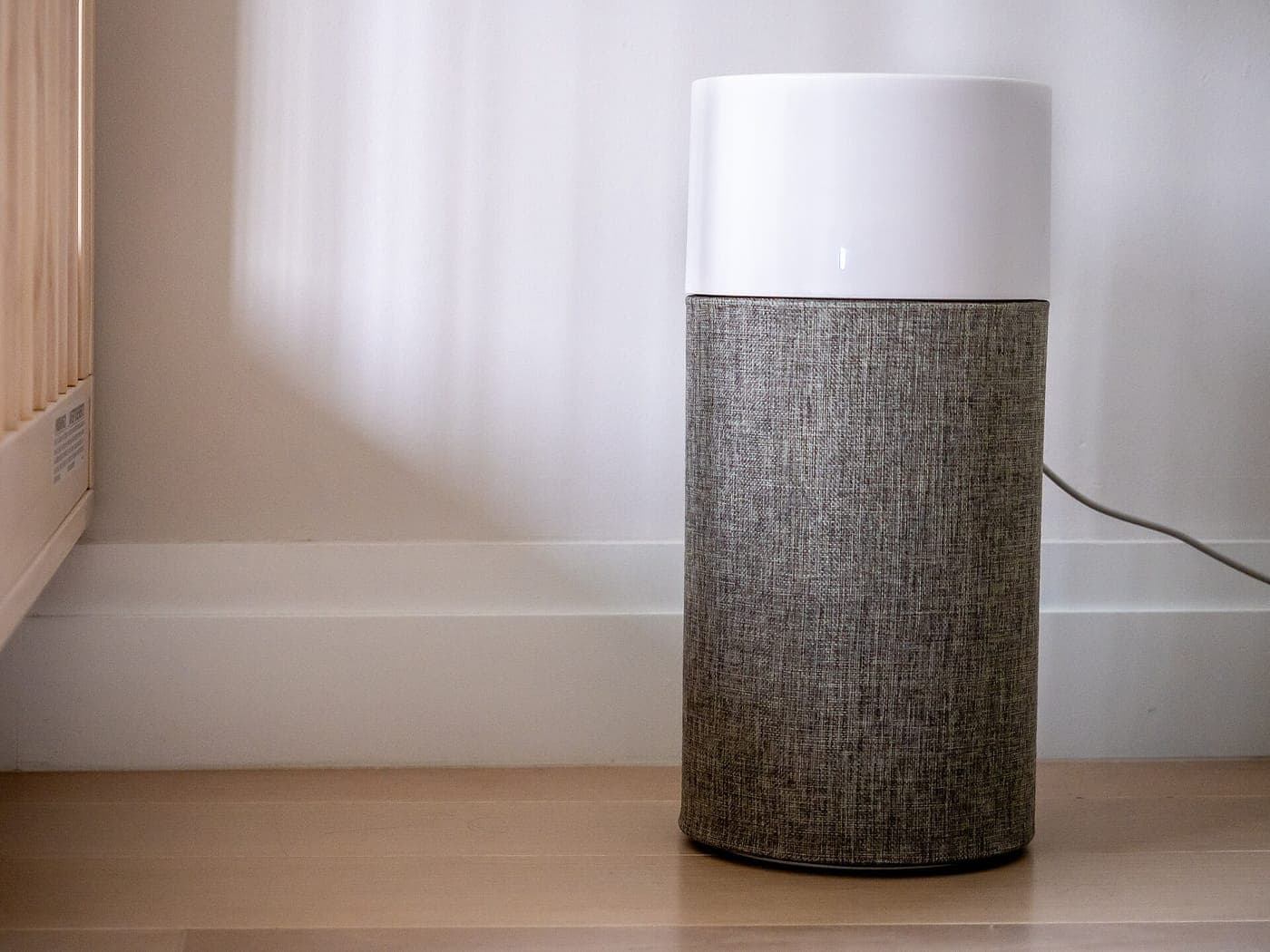
Best air purifier under $100
Best Air Purifier Under $100 (October 2026)
The filter is the real cost. Five purifiers under $100 ranked with three-year filter spend included.

Shop by price
Under $100
The sweet spot. The only price ceiling with real search demand in all seven categories we cover.

Category
Tech & Gadgets
Earbuds, laptops, monitors, cameras and the rest - where the budget tier is genuinely close to the flagship.
Think we got a pick wrong, or spotted one that is out of stock or over its ceiling? Tell us - corrections go to the front of the queue.