Tech & gadgets
Inkjet vs Laser Printer for Home Use
The cheaper printer is almost never the cheaper printer. Here is the arithmetic the box does not show you.
By Brijon M. - Published October 16, 2026
The short answer
For a household that mostly prints black text, a monochrome laser is cheaper to own: toner costs a few cents per page, never dries out, and a cartridge lasts hundreds or thousands of pages. Buy an inkjet only if you genuinely need color - and if you do, a refillable-tank inkjet beats a cartridge inkjet decisively once you print more than a few pages a week.
Disclosure: we earn commission on qualifying purchases made through the links below, at no extra cost to you. It never changes the order of our picks - here is how that works.
How each one actually works, briefly
The mechanical difference drives every cost difference that follows, so it is worth thirty seconds.
An inkjet sprays microscopic droplets of liquid ink through a print head onto the page. The ink is wet, the head has hundreds of tiny nozzles, and those two facts produce the technology's entire personality: excellent color blending and photo output, and a head that clogs if the ink in it dries.
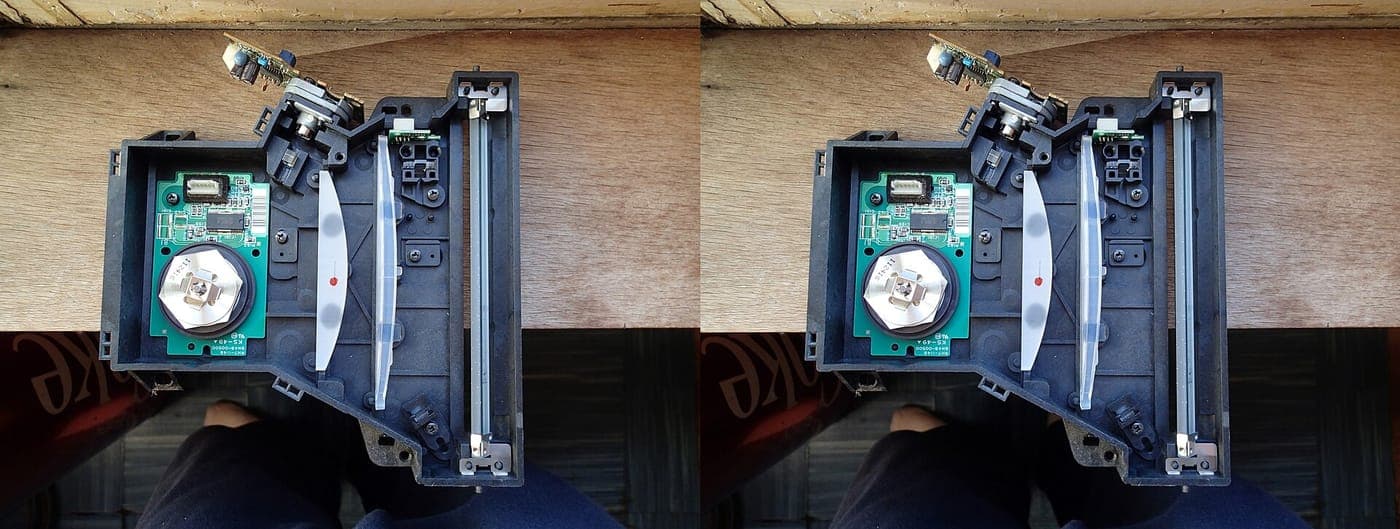
A laser charges a rotating drum with a laser beam, the drum picks up dry toner powder where it was charged, and a hot fuser melts that powder permanently into the paper. Nothing is wet, nothing clogs, and the output is sharp-edged text.
A tank inkjet - Epson's EcoTank line and equivalents - is an inkjet with refillable reservoirs instead of cartridges. Same print technology, completely different consumable economics.
Those three, not two, are the real choices for a home printer in 2026, and the middle one is the one most people buy by accident.
Cost per page is the only honest comparison
A printer is one of very few products where the purchase price tells you almost nothing about what it costs. Entry-level hardware is sold at or near cost and the margin comes from consumables, which is why a $59 all-in-one can ship with starter cartridges that cost $45 to replace.
Across the category, published cost-per-page figures for black text span roughly an order of magnitude: a cartridge inkjet typically runs 5-12 cents a page; a monochrome laser typically runs 1-3 cents; a tank inkjet runs well under a cent. Epson rates the EcoTank ET-2800's included ink set at 4,500 black pages and 7,500 color, which is where the sub-cent figure comes from. Brother rates the drum unit on its HL-L2460DW at 15,000 pages, with high-yield toner available separately.
The arithmetic that matters is short. Estimate your pages per month, multiply by cost per page, multiply by twenty-four for two years, and add the purchase price. That total is what the printer costs.
A household printing 100 black pages a month pays roughly $12-$29 a year in consumables on a laser and roughly $60-$144 a year on a cartridge inkjet. The hardware difference between those two machines is often under $80. The running cost difference passes it inside the first year.
- Cartridge inkjet: roughly 5-12 cents per black page.
- Monochrome laser: roughly 1-3 cents per black page.
- Tank inkjet: well under 1 cent per black page, higher hardware cost.
- Work out your own number before you shop. It takes two minutes and it decides the purchase.
How to read the table below
In the side-by-side that follows, the Cheap column is the cartridge inkjet - the machine with the low sticker price - and the Expensive column is the monochrome laser. Tank inkjets are covered separately after the table, because they are their own answer rather than a midpoint between these two.
Quick picks
The short version. Tap any row to jump to the full write-up, or go straight to Amazon to check the current price.
| # | Product | Best for | Price |
|---|---|---|---|
| 1 | Brother HL-L2460DW monochrome laser Cheap toner, automatic duplex, and nothing to dry out between jobs. | Best for most households | |
| 2 | Epson EcoTank ET-2800 tank inkjet Inkjet color at laser-beating running cost, once you get past the hardware price. | Best if you print color regularly | |
| 3 | Canon PIXMA wireless all-in-one The right buy only if your volume is genuinely low and color is non-negotiable. | Best cheap color inkjet | |
| 4 | A refurbished office laser Enterprise hardware at consumer prices, with the cheapest toner in the category. | Best cost per page overall |
We do not print prices on this site. Every button opens the live Amazon listing so you see the real price at the moment you click. See our affiliate disclosure.
1. Best for most households
Brother HL-L2460DW monochrome laser
Cheap toner, automatic duplex, and nothing to dry out between jobs.
- Monochrome laser, rated up to 36 ppm
- Automatic two-sided printing
- Dual-band Wi-Fi, Ethernet, USB
- TN830 toner family; DR830 drum rated 15,000 pages
This is the machine the cost-per-page argument points to for a household that prints documents. Toner is cheap relative to its yield, high-yield cartridges are available, third-party toner generally works, and the machine keeps running.
Automatic duplex is the single easiest saving available on any printer - printing two-sided by default halves your paper use, and the feature is worth looking for by name on any model you consider.
The 15,000-page drum rating matters because the drum is the one consumable people forget. On a laser it is a rare purchase; budget for it once rather than being surprised.
For return labels, school forms, boarding passes, tax documents and recipes, this is simply the right tool.
What you give up
Black and white only - no photos, no color charts, and no path to adding them. It is also physically larger and heavier than any inkjet here, with an audible warm-up, and the purchase price is roughly triple a basic cartridge inkjet.
2. Best if you print color regularly
Epson EcoTank ET-2800 tank inkjet
Inkjet color at laser-beating running cost, once you get past the hardware price.
- Refillable ink tanks, no cartridges
- Color all-in-one with scan and copy
- Included ink rated 4,500 black / 7,500 color pages
- Ships with 522-series black, cyan, magenta and yellow bottles
If you need color, this is the shape of printer to buy rather than a cartridge inkjet. The ink bottles are rated for thousands of pages and cost a fraction per page of equivalent cartridges, which is what produces the sub-cent figures quoted earlier.
It scans and copies, which a monochrome laser at this price does not, and for a household with a child doing homework that is frequently the deciding feature.
The one behavioral requirement is the same as any inkjet: print something every week or two. The tanks do not solve head drying, they only solve cartridge cost.
Over a three-year horizon at even modest color volume, this beats both a cartridge inkjet and a color laser on total cost.
What you give up
Hardware costs substantially more than a basic inkjet - typically in the $250-$350 bracket - so it only pays back at real volume. Print speed is modest, and the head still clogs if the machine sits unused for months.
3. Best cheap color inkjet
Canon PIXMA wireless all-in-one
The right buy only if your volume is genuinely low and color is non-negotiable.
- Color inkjet with scan and copy
- Wireless and mobile printing
- Compact footprint
- Standard and XL cartridges available
There is a legitimate case for a cheap cartridge inkjet, and it is narrow: you print a handful of pages a month, you need color or scanning, and the purchase price is the number that has to be small.
At twenty pages a month, cost per page barely registers - you will replace cartridges roughly once a year and the lifetime consumable spend stays modest. The economics only turn ugly as volume climbs.
Buy XL cartridges rather than standard ones from the first replacement onward. The per-page cost is meaningfully lower and the yield difference is larger than the price difference.
Our best printers under $100 roundup works through the options at this ceiling specifically.
What you give up
The highest cost per page of anything here, and cartridges dry out if you print rarely - which is exactly the usage profile this machine is bought for. Starter cartridges are low-yield, so the first replacement comes sooner than you expect.
4. Best cost per page overall
A refurbished office laser
Enterprise hardware at consumer prices, with the cheapest toner in the category.
- Workgroup-class build, often with duplex and Ethernet
- Very high-yield toner cartridges
- Page counts and refurbishment grade usually listed
- Often cheaper than a new entry-level laser
Office lasers are built for tens of thousands of pages and are retired on lease cycles rather than on failure, which puts a steady supply of lightly used, high-capability machines on the market well below the price of new consumer hardware.
The consumables argument is the strongest one: workgroup toner cartridges are rated for thousands of pages and, per page, are the cheapest printing available at home.
Check the stated page count, and check that the model's toner is still widely stocked before buying - an orphaned cartridge turns a bargain into a paperweight.
This is the pick for a home office that prints every day.
What you give up
Big, heavy and often noisy, with no warranty worth the name and a drum that may be partway through its life. Condition varies seller to seller, and you are buying without a return path in many cases.
Side by side
The volume where the answer flips
Three bands cover almost every household, and the right answer differs in each.
Under about 20 pages a month, mostly color. A cheap cartridge inkjet is defensible. Your lifetime consumable spend is small enough that cost per page does not dominate, and purchase price legitimately is the number to minimize. Expect to lose some ink to cleaning cycles.
Under about 20 pages a month, mostly black text. Buy the laser anyway. At this volume the cost argument is weak, but the dried cartridge argument is overwhelming: the one time a year you urgently need a page, the laser will print it and the inkjet may not.
50 pages a month and up. The laser wins outright on black text, and a tank inkjet wins outright on color. A cartridge inkjet is the worst choice available at this volume and it is also the most commonly bought one.
The common mistake is buying for an imagined use - photos you will print at a kiosk instead, color charts you will view on screen - and then printing black text for five years on a machine chosen for color.
Hidden costs on both sides
On the inkjet side: starter cartridges are low-yield, so the first replacement arrives much sooner than the second. Head-cleaning cycles consume ink you never print with. Subscription ink programs are genuinely good value at steady high volume and poor value at low volume, and some of them stop the printer working if the subscription lapses - read that term before enrolling. Chip authentication and firmware updates can disable third-party cartridges you have already bought.
On the laser side: the drum is a separate consumable from the toner on most models, and replacing it is a real cost that arrives once every several thousand pages. Lasers draw a meaningful current during fuser warm-up, which is irrelevant to your power bill but can trip a heavily loaded extension lead. Color lasers are a different product with a different and much worse cost structure than monochrome - do not assume the laser advantage carries across.
On both sides: paper. Automatic duplex halves it, and it is the one saving available regardless of which technology you buy.
This consumable-first pricing shows up in other categories too, usually less aggressively. How much an automatic cat feeder costs and the real three-year cost of a cheap security camera apply the same arithmetic where the running cost is smaller but the principle is identical.
What to check before you buy, in order
1. The cartridge or toner price, not the printer price. Look it up for the specific model number before you order the machine. If you cannot find the consumable easily, that is itself a warning.
2. Automatic duplex. On Brother models this is usually a D in the model number. It halves paper cost permanently.
3. Whether you need a scanner. Retrofitting one costs more than buying a multifunction up front.
4. Connection. Ethernet is more reliable than Wi-Fi for a printer that lives in one place, and dual-band Wi-Fi matters if your router's 2.4GHz band is congested.
5. Your honest monthly page count. Everything above depends on it, and most people overestimate their color printing by a wide margin.
If you are building out a home office around the printer, the best laptop under $500 and the best monitor under $200 cover the rest of the desk, and the best webcam under $50 handles calls.
How we picked
We compared the two technologies on published cost-per-page and yield figures from the manufacturers rather than on sticker price, because sticker price is the least informative number in this category.
Specifications come from Brother's and Epson's own product documentation, cited in sources below. The cost-per-page bands are published industry ranges rather than measurements we made - we have not metered these printers and do not claim to. Our full method is on how we pick.
Price figures in this page are approximate street-price brackets. Every buy link goes to the live retailer page so you see the current number rather than a stale one.
Common questions
+Is a laser printer cheaper than an inkjet for home use?
For black text, yes, in nearly every case. Laser cost per page runs roughly 1-3 cents against roughly 5-12 cents for a cartridge inkjet, and that gap overtakes the higher purchase price inside the first year at even modest volume. For color, a refillable-tank inkjet is cheaper than either.
+Should I buy an inkjet if I print rarely?
Usually not, which is the opposite of what the price suggests. Ink dries in the print head between jobs, cleaning cycles waste more ink, and the one time a year you urgently need a page is exactly when a cartridge fails. Toner does not dry out, so a laser is the better infrequent-use printer.
+Are EcoTank and other tank printers worth it?
If you print color regularly, yes. The hardware costs more up front, but the ink is rated in thousands of pages per bottle set - Epson rates the ET-2800's included ink at 4,500 black and 7,500 color pages - so running cost drops below a cent a page. At very low volume the hardware premium will not pay back.
+Can a laser printer print photos?
Not well. Monochrome lasers cannot print color at all, and color lasers produce flat, slightly waxy photo output compared with an inkjet on photo paper. If photos are a genuine use, buy an inkjet - or print them at a kiosk and buy a laser for documents.
+What is the cheapest printer to run?
A refurbished workgroup monochrome laser, because enterprise toner cartridges carry very high page yields. Among new machines, a monochrome laser is cheapest for black text and a refillable-tank inkjet is cheapest for color.
+Does duplex printing actually save money?
Yes, and it is the only saving available regardless of which technology you choose. Automatic two-sided printing halves paper use for any multi-page document, and on most Brother models it is indicated by a D in the model number.
Sources
Read next
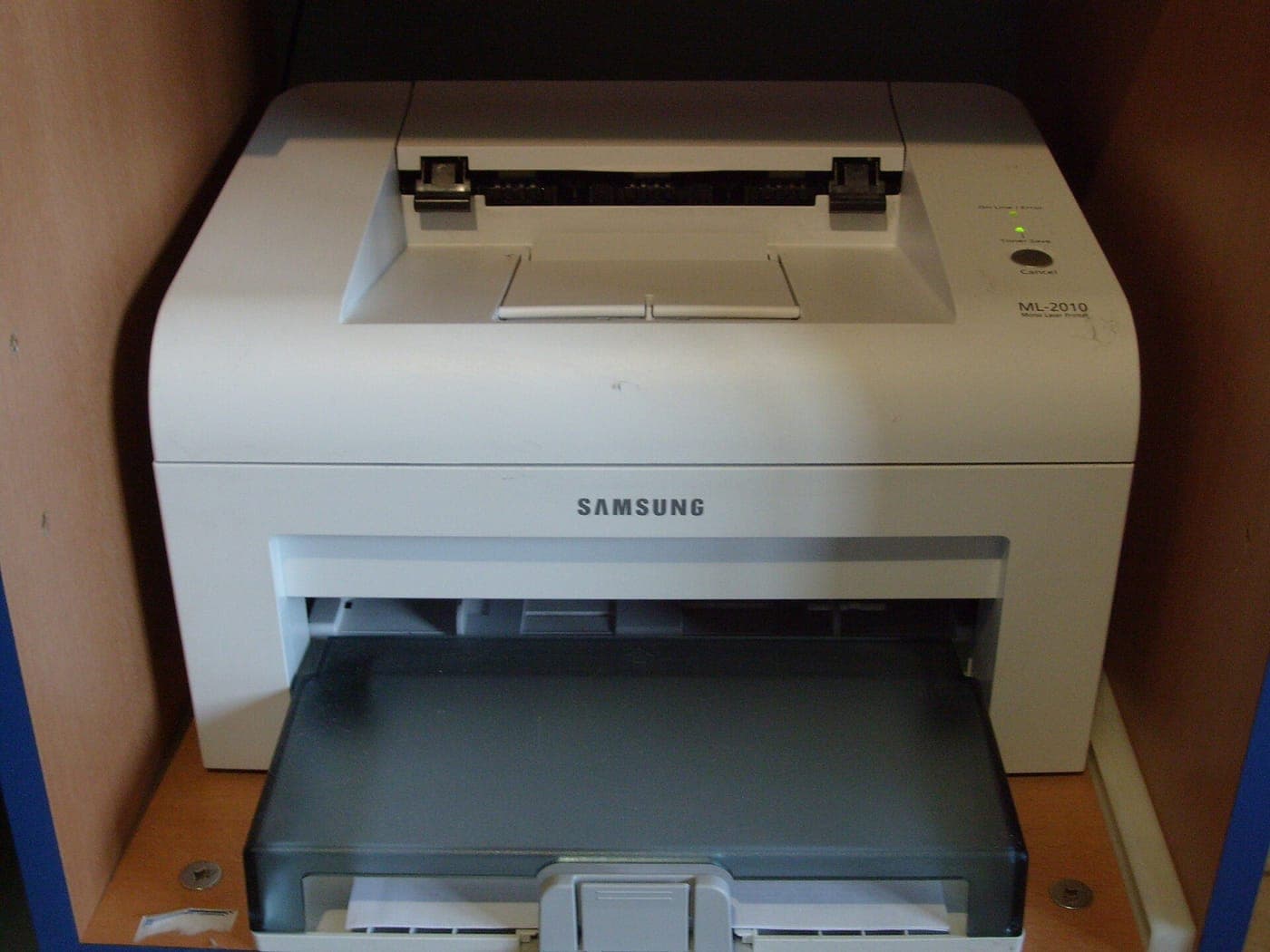
Best printer under $100
Best Printer Under $100 (October 2026)
Five printers under $100, ranked on cost per page rather than sticker price - plus why the cheapest machine is usually the most expensive one to own.
Best laptop under $500
Best Laptop Under $500 (October 2026)
What $500 genuinely buys in 2026, what it does not, and the two specs that matter more than the processor.
Best monitor under $200
Best Monitor Under $200 (October 2026)
27-inch 1440p IPS is the sweet spot at $200. Five picks, and the marketing spec you should ignore entirely.
Category
Tech & Gadgets
Earbuds, laptops, monitors, cameras and the rest - where the budget tier is genuinely close to the flagship.

Shop by price
Under $100
The sweet spot. The only price ceiling with real search demand in all seven categories we cover.
Think we got a pick wrong, or spotted one that is out of stock or over its ceiling? Tell us - corrections go to the front of the queue.