Home - under $50
Best Smart Plug Under $50
This is the rare category where the cheap option is also the right option. The question is which cheap one.
By Brijon M. - Published October 17, 2026
The short answer
The TP-Link Kasa EP25 four-pack is the best smart plug buy under $50 for most homes: it works with Alexa and Google Home without a hub, tracks energy use, and is small enough not to block the second outlet. Buy the Amazon Smart Plug only if your house is all-Alexa and you want zero setup friction.
Disclosure: we earn commission on qualifying purchases made through the links below, at no extra cost to you. It never changes the order of our picks - here is how that works.
What $50 buys in this category
Smart plugs are the cheapest useful thing in the smart home, and the gap between the budget tier and the premium tier is almost nothing. A $10 plug and a $30 plug switch the same lamp on at the same time. What actually separates them is four things, and none of them is reliability.
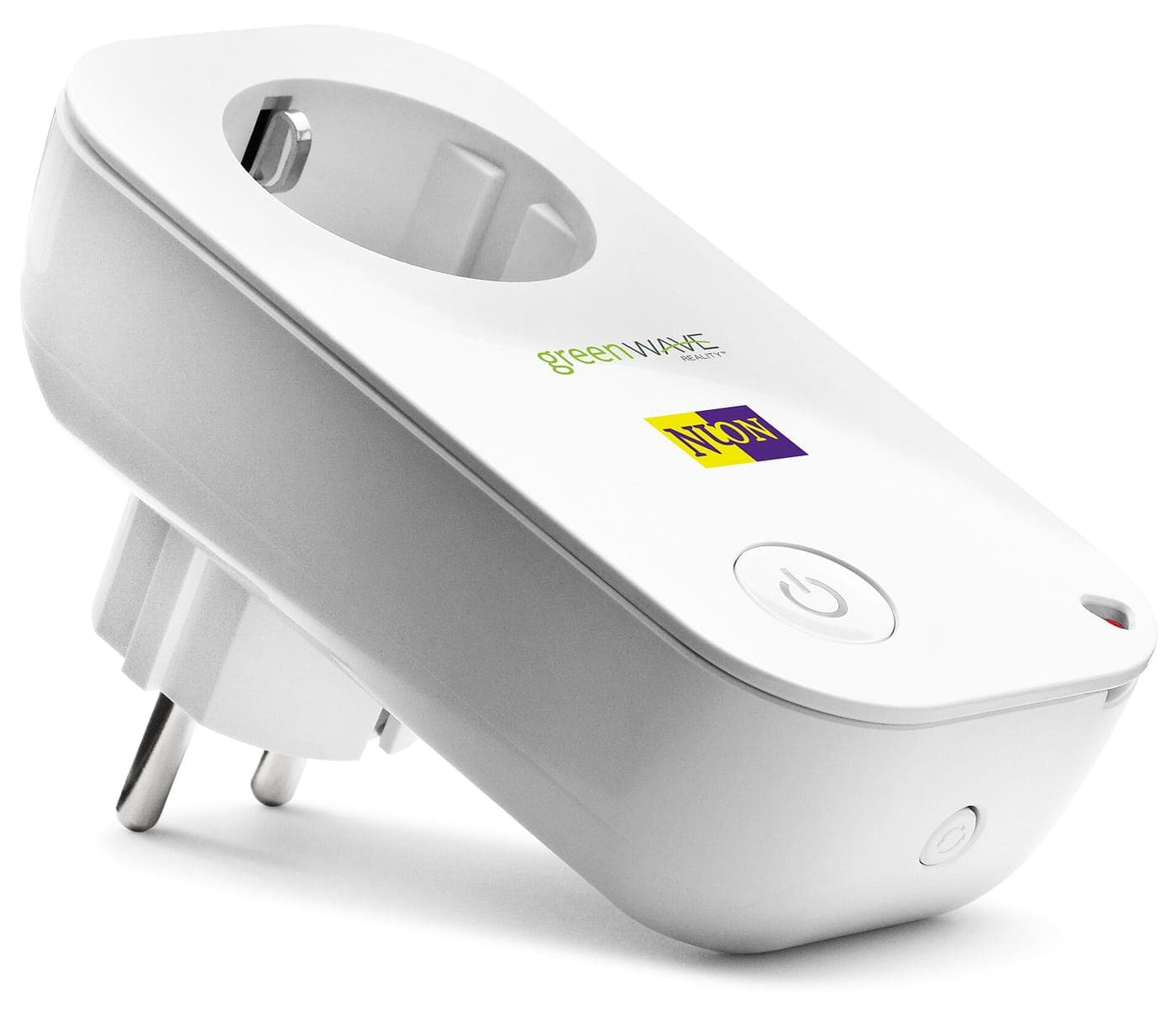
Physical size. This is the single most common regret. A fat smart plug in the top socket of a duplex outlet covers the bottom socket, which means a $12 plug has quietly cost you half an outlet. Slim bodies solve this; measure before you buy if the outlet is behind furniture.
Whether it needs a hub. Wi-Fi plugs connect straight to your router. Zigbee and Z-Wave plugs need a hub, and if you do not already own one, a $15 plug has just become a $75 purchase. Every plug on this page is hub-free.
Energy monitoring. A plug that reports watts tells you what the old chest freezer in the garage actually costs to run. It used to be a premium feature and is now routinely included on sub-$15 plugs, so there is little reason to buy one without it.
Which assistant it answers to. Amazon's own plug works with Alexa and nothing else. Everything else here works with both Alexa and Google Home, and several now speak Matter, which brings Apple Home into range too.
- Buy a multi-pack. The per-plug price roughly halves and you will want a second one within a month.
- Check the body width if the outlet is a duplex you need both halves of.
- Skip anything that requires a hub unless you already own the hub.
- Outdoor use needs an outdoor-rated plug - an indoor plug in a weatherproof box is not the same thing.
What people actually use them for
Worth knowing before you buy, because it changes which plug you want. The three jobs that come up again and again are lamps on a schedule, a space heater or fan you want to switch off from bed, and a coffee maker that has no timer of its own.
The fourth job - and the one that justifies energy monitoring - is auditing. Plug in the second fridge, the gaming PC, the aquarium heater, and read the number. On an old appliance the figure is frequently high enough to pay for a replacement, and you cannot make that decision without the measurement.
What smart plugs are bad at: anything with a physical power switch that resets to off after a power cut, and anything with a motor you should not start remotely. A plug cannot press a button, so an appliance that needs a button press when power returns will not come back on.
Quick picks
The short version. Tap any row to jump to the full write-up, or go straight to Amazon to check the current price.
| # | Product | Best for | Price |
|---|---|---|---|
| 1 | TP-Link Kasa EP25 (4-pack) Slim body, energy monitoring, no hub, and four of them land under $50. | Best overall | |
| 2 | Amazon Smart Plug The least setup friction of anything here - if you only use Alexa. | Best for an all-Alexa house | |
| 3 | TP-Link Kasa EP40 outdoor smart plug Two independently switched outlets, weather-rated, one Wi-Fi connection. | Best for outdoors | |
| 4 | Wyze Plug (2-pack) The bottom of the market, and it works - with a thinner app behind it. | Cheapest per plug | |
| 5 | TP-Link Tapo P125M mini (Matter) A genuinely tiny Matter plug that works across all four major platforms. | Best for Apple Home |
We do not print prices on this site. Every button opens the live Amazon listing so you see the real price at the moment you click. See our affiliate disclosure.
1. Best overall
TP-Link Kasa EP25 (4-pack)
Slim body, energy monitoring, no hub, and four of them land under $50.
- Wi-Fi, no hub required
- Works with Alexa and Google Home
- Energy monitoring built in
- Matter support on current firmware
This is the pick for almost everyone. The EP25 is a compact body that does not swallow the second socket of a duplex outlet, it reports energy use, and it joins Wi-Fi directly with no bridge.
The Kasa app is the quiet reason to buy here. Scheduling, sunset triggers and grouping are all straightforward, and the app does not push you toward a subscription service, because there is not one.
Buying the four-pack is the whole value argument. A single smart plug almost never stays a single smart plug - the lamp gets one, then the tree, then the fan - and the per-plug price in a four-pack is roughly half the single-unit price.
What you give up
Apple Home support depends on firmware revision, and TP-Link runs Kasa and Tapo as separate app ecosystems under one parent company, which is confusing if you end up owning both.
2. Best for an all-Alexa house
Amazon Smart Plug
The least setup friction of anything here - if you only use Alexa.
- Wi-Fi, no hub required
- Alexa only - no Google Home
- Setup inside the Alexa app
- No energy monitoring
If every voice assistant in your house is an Echo, this plug removes a step. It appears in the Alexa app with no third-party account to create, no second app to install and no linking step to fail.
That is the entire argument for it, and for some households it is enough. For a relative who needs a lamp on a timer and nothing else, fewer apps is a real feature.
It is also a chunky body and it does not report energy, so buy it for the simplicity rather than the specification.
What you give up
Alexa only. If anyone in the house uses Google Home or Apple Home, this plug is a dead end - and it typically costs more than the Kasa while doing less.
3. Best for outdoors
TP-Link Kasa EP40 outdoor smart plug
Two independently switched outlets, weather-rated, one Wi-Fi connection.
- Weather-resistant outdoor housing
- Two independently controlled sockets
- Wi-Fi, no hub required
- Alexa and Google Home
Outdoor is the one place where buying the dedicated version genuinely matters. An indoor plug in a damp porch is a fire and shock risk, not a frugal workaround.
The two independently switched outlets are the feature that earns the price: holiday lights on one schedule and a path light on another, from one plug and one Wi-Fi connection.
Mount it so the cord exits downward. Water running down a cable and pooling in the housing is how outdoor plugs die, and it is entirely avoidable.
What you give up
Noticeably more expensive per socket than an indoor four-pack, and weather resistance is not the same as submersible - it still wants to be out of standing water.
4. Cheapest per plug
Wyze Plug (2-pack)
The bottom of the market, and it works - with a thinner app behind it.
- Wi-Fi, no hub required
- Alexa and Google Home
- Two-pack is usually the cheapest per plug
- Compact body
If the job is simply "turn the lamp on at dusk" and you want to spend as little as possible, this is the floor of the category and it does the job.
The body is compact enough to leave the second socket usable, which is more than can be said for several plugs that cost more.
The Wyze app covers cameras, bulbs, locks and plugs in one place, which is tidy if you own other Wyze hardware and irrelevant if you do not.
What you give up
Wyze has had service outages and a publicly reported security incident in its camera line. A plug is a far lower-stakes device than a camera, but it is the same cloud. No energy monitoring on the base model.
5. Best for Apple Home
TP-Link Tapo P125M mini (Matter)
A genuinely tiny Matter plug that works across all four major platforms.
- Matter certified
- Apple Home, Alexa, Google Home and SmartThings
- Very small body
- Wi-Fi, no hub required
Matter is the reason to look at this one. It is the first plug tier where an iPhone household gets a cheap plug that shows up in the Home app alongside everything else, rather than being stuck in a vendor app.
The body is the smallest here by a clear margin. In a crowded power strip or behind a sofa, that is the difference between usable and not.
Matter also means the plug keeps responding on your local network if the manufacturer's cloud has a bad day, which is a quiet durability argument in a category full of devices that stop working when a company loses interest.
What you give up
No energy monitoring on the mini, and Matter setup is still fiddlier than it should be - expect one QR code scan that does not take first time.
How to not waste money here
Do not buy one plug. The per-unit price in a four-pack is roughly half, and the second use case always arrives. This is the single biggest saving available in the category.
Do not pay for a hub. Zigbee and Z-Wave plugs are cheap on paper and expensive in practice unless you already run a hub. Every pick above is Wi-Fi and needs nothing else.
Do not put a space heater on a plug without checking the rating. Smart plugs are typically rated to 15 amps, and a 1500W heater sits close to the limit. Check the plug's stated maximum load against the appliance, and never run a heater through a power strip and a smart plug together.
Do not assume it fixes a dumb appliance. If the device has a mechanical switch that returns to off after a power cut, the plug cannot switch it on. Test by unplugging the appliance, plugging it back in, and seeing whether it starts on its own.
If this is the first smart-home thing you have bought, the same budget-first logic applies across the category - best doorbell camera under $100 and best security camera under $100 are the two other places where the cheap tier is genuinely good enough.
A plug is also the cheapest fix for the one weakness of app-controlled lighting. Put the power brick of a strip from best LED strip lights under $50 on a smart plug and you get a hardware off switch and a schedule that keep working even when the strip's own app does not.
Smart plug or smart outlet?
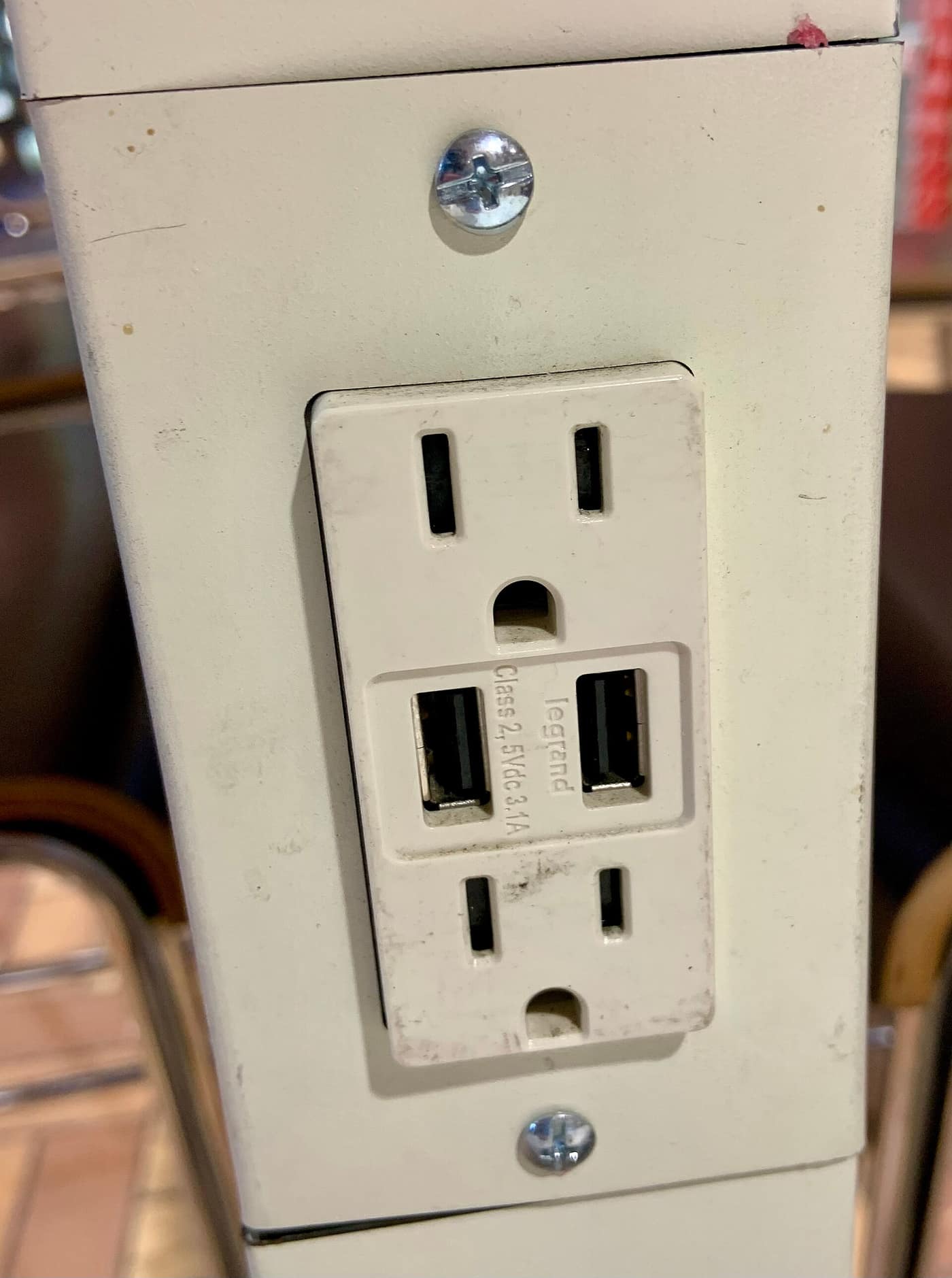
A smart outlet replaces the receptacle in the wall. It looks better, it does not eat socket space, and it costs more - plus an electrician, unless you are comfortable working in a box you have confirmed is dead.
For nearly everyone starting out, the plug is the right call: it is cheaper, it moves house with you, and it needs no wiring. We work through exactly where the outlet wins in smart plug vs smart outlet.
Renters in particular should not be looking at in-wall outlets at all. A plug is reversible; a receptacle swap is a modification to someone else's property.
The energy-monitoring payoff, honestly
Energy monitoring on a cheap plug is not laboratory-grade. It reads within a few percent, which is plenty for the question most people are asking - is this appliance costing me a lot, or a little?
The appliances worth metering first are the ones that run continuously: a second fridge or freezer, an aquarium, a dehumidifier, a gaming PC left on overnight, and anything with a compressor more than about ten years old.
The ones not worth metering are the ones you already know. LED lamps, phone chargers and a television draw so little that the plug itself is the more interesting purchase.
If a measurement sends you shopping for a replacement, our best dehumidifier under $200 and best air purifier under $100 pages cover the two always-on appliances where a newer unit most often pays for itself.
How we picked
Every pick on this page is a real, currently-sold product that we could find at or under $50 at the time of the last update. Rank order is set before any link is attached.
We are research-led, not lab-led. We do not run a test lab and we do not claim to have personally used every product on this site. Picks come from manufacturer specifications, owner-reported reliability and failure patterns, expert-publication consensus, and real availability at the stated price ceiling. Read the full method.
Common questions
+What is the best smart plug under $50?
The TP-Link Kasa EP25 four-pack. It needs no hub, works with Alexa and Google Home, reports energy use, and the slim body does not block the second socket of a duplex outlet - and four of them land under $50, which is the real value argument.
+Do smart plugs need a hub?
Wi-Fi smart plugs do not - they join your router directly, and every pick on this page is Wi-Fi. Zigbee and Z-Wave plugs do need a hub, which turns a cheap plug into an expensive purchase unless you already own one.
+Do smart plugs use a lot of electricity themselves?
No. A smart plug's own standby draw is roughly a watt or less, which comes to a couple of dollars a year. The energy case for buying one is about what it lets you switch off, not about the plug itself.
+Can I put a space heater on a smart plug?
Only if the plug's stated maximum load covers it. Most smart plugs are rated to 15 amps and a 1500W heater sits close to that limit. Check the rating, plug the heater straight into the smart plug rather than through a power strip, and never run two high-draw appliances through one plug.
+Will a smart plug work with Apple Home?
Only if it is Matter certified or explicitly lists HomeKit support. The Tapo P125M on this page is the cheap route for an iPhone household; the Amazon Smart Plug will not work with Apple Home at all.
+Are cheap smart plugs reliable?
Generally yes - this is one of the few categories where the budget tier is not a compromise. The failures that do happen are usually Wi-Fi coverage problems rather than the plug, so a plug at the far end of the house may need a mesh node more than it needs a better plug.
Sources
Read next
Home
Smart Plug vs Smart Outlet
The plug wins for nine buyers out of ten. The four situations where the in-wall outlet is genuinely the better purchase, itemized.
Best LED strip lights under $50
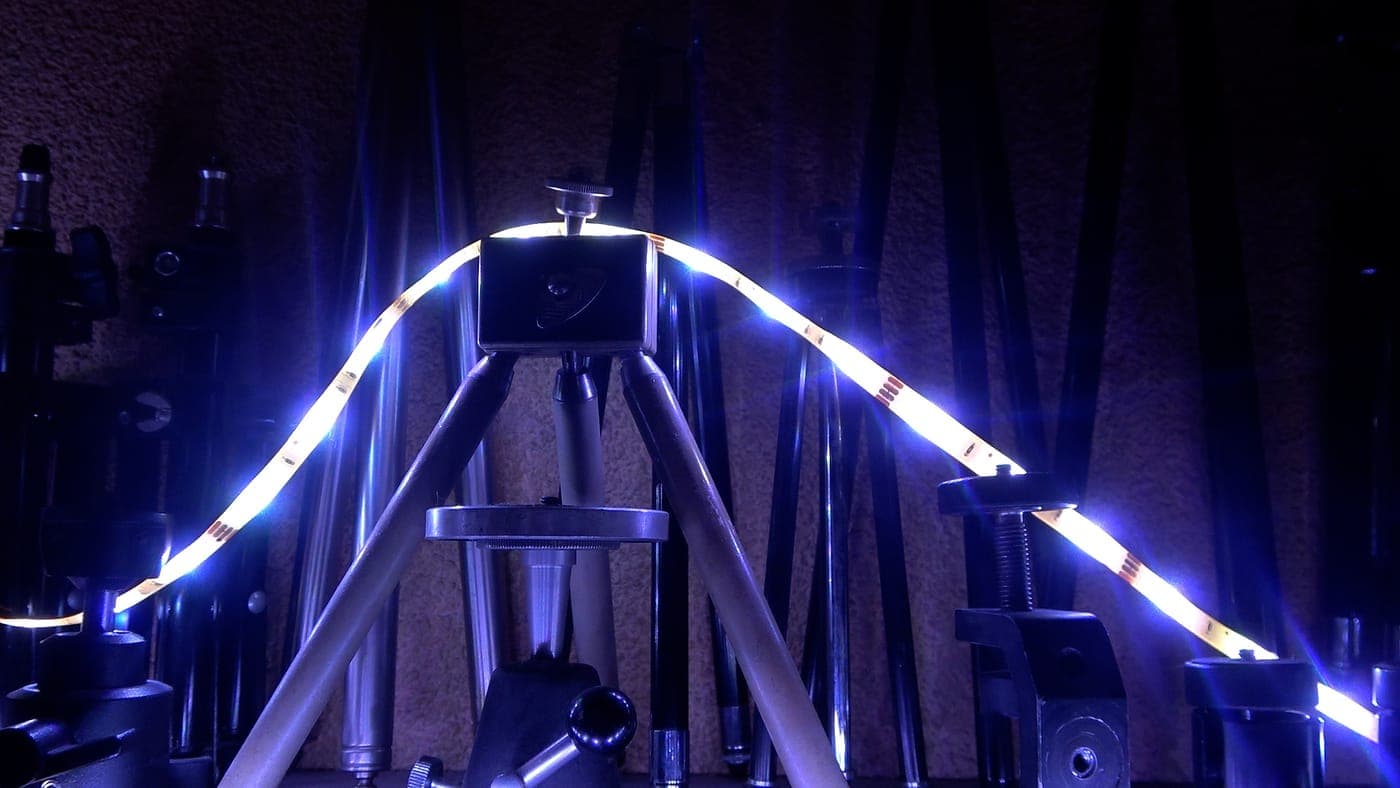
Best LED Strip Lights Under $50
RGB, RGBIC or plain white - five strips under $50, what the brightness numbers mean, and the adhesive problem nobody warns you about.
Best doorbell camera under $100
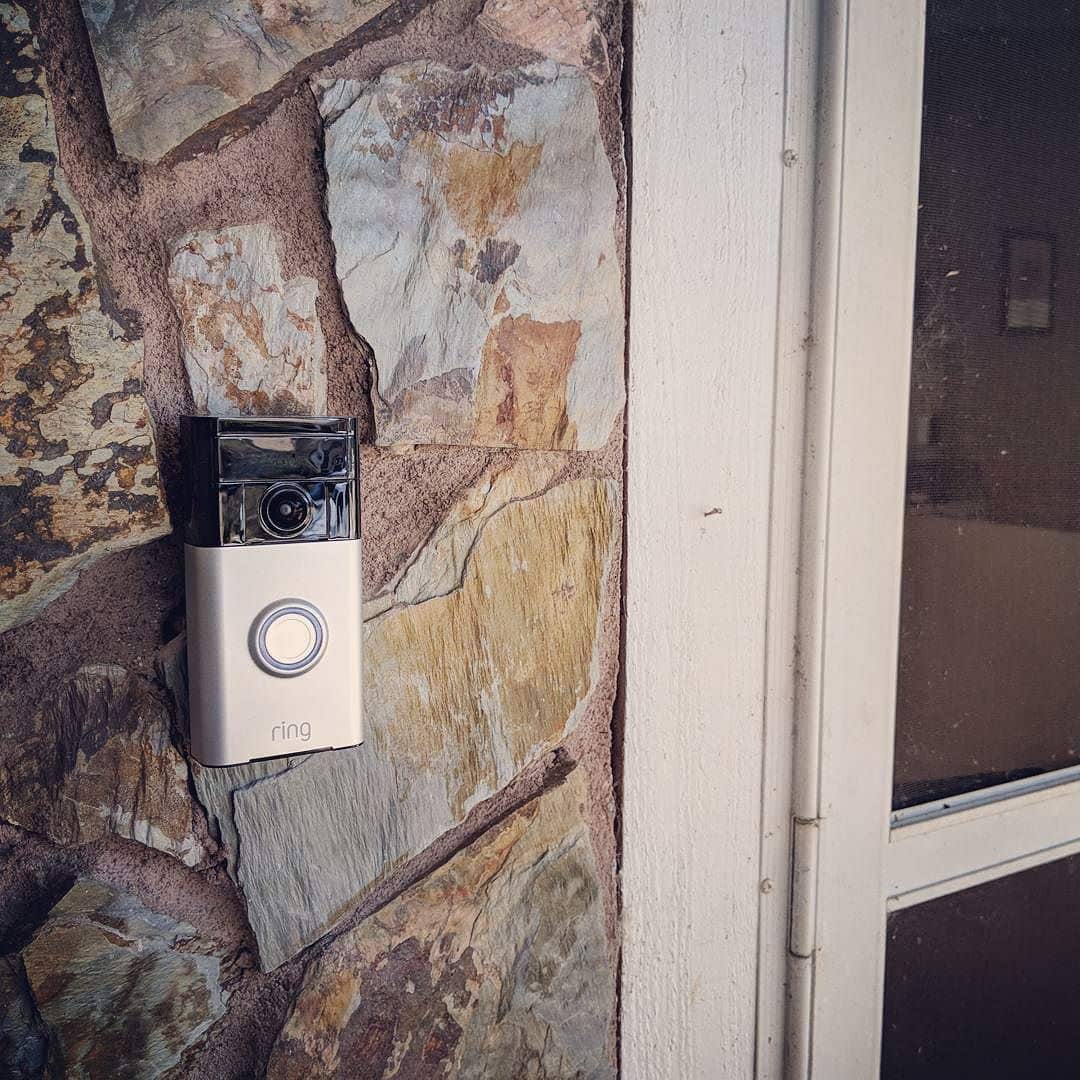
Best Doorbell Camera Under $100 (October 2026)
Four video doorbells under $100, sorted by the thing that actually costs money: whether you need a cloud subscription.
Best security camera under $100
Best Security Camera Under $100 (October 2026)
The subscription costs more than the camera. Five picks that record locally and cost nothing to run.
Category
Home
Vacuums, air purifiers, chairs and mattresses, judged on the two or three specs that actually matter.

Shop by price
Under $50
The impulse tier. Some categories are genuinely solved at $50; others are a false economy, and we say which.
Think we got a pick wrong, or spotted one that is out of stock or over its ceiling? Tell us - corrections go to the front of the queue.